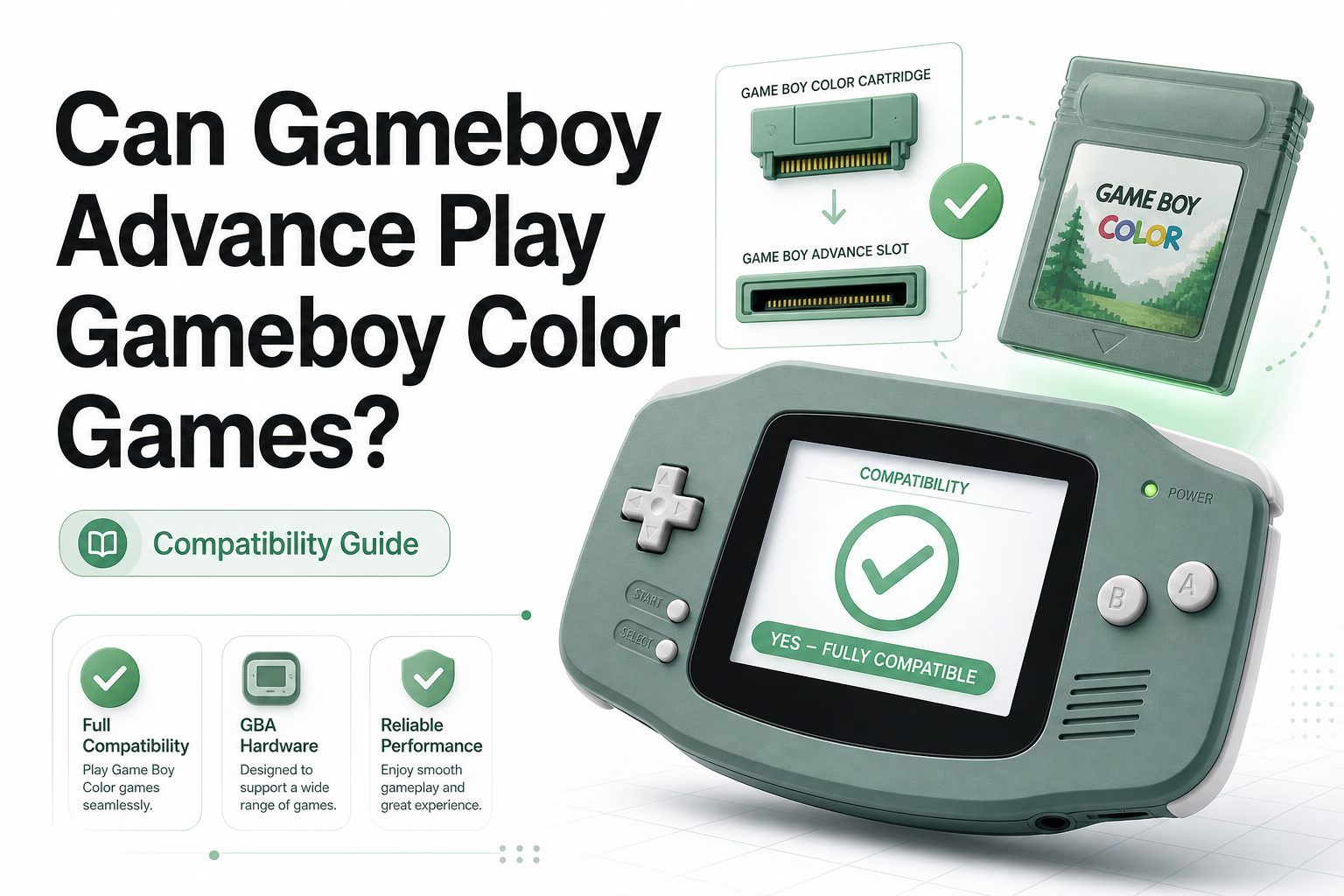
Yes, the original Game Boy Advance and Game Boy Advance SP can play Game Boy Color games. Nintendo built these systems with backward compatibility, allowing players to enjoy many older handheld titles without needing a separate Game Boy Color console.
This compatibility works through the cartridge slot and internal hardware support. Game Boy Color cartridges fit into the Game Boy Advance slot, and the system can run them in their original format with the expected controls, visuals, and sound.
The main exception is the Game Boy Micro. Although it belongs to the Game Boy Advance family, it only plays Game Boy Advance cartridges. It cannot play original Game Boy or Game Boy Color games because its hardware and cartridge slot were changed.
Which Game Boy Advance Models Support Game Boy Color
The original wide Game Boy Advance supports Game Boy Color cartridges. Its cartridge slot was designed for both smaller Advance games and taller older Game Boy cartridges, making it one of the most flexible Nintendo handhelds for classic games.
The Game Boy Advance SP also supports Game Boy Color games. Many players prefer it because the clamshell design protects the screen, and later SP models include a brighter display that makes older games easier to see.
The Game Boy Micro does not support Game Boy Color games. It has a smaller cartridge slot made only for Game Boy Advance games, so older cartridges will not fit and cannot be played through any official adapter.
Compatibility notes:
Original Game Boy Advance supports Game Boy Color games.
Game Boy Advance SP supports Game Boy Color games.
Game Boy Micro does not support Game Boy Color games.
Nintendo DS and DS Lite do not support Game Boy Color cartridges.
Most Game Boy Color games run the same as they did on original hardware.
How Game Boy Color Games Fit In A Game Boy Advance
Game Boy Color cartridges are taller than Game Boy Advance cartridges, but they still fit into supported Game Boy Advance models. When inserted, part of the cartridge sticks out from the top, which is normal and does not mean anything is wrong.
The system automatically detects the cartridge type when powered on. If a Game Boy Color game is inserted into a compatible Game Boy Advance or SP, the console switches into the correct mode and runs the older software.
There is no menu setting needed to activate backward compatibility. Once the cartridge is clean, properly seated, and supported by the model, the game should start just like it would on a Game Boy Color.
The Difference Between Game Boy, Game Boy Color, And Game
Original Game Boy games were made for the first Nintendo handheld and usually display in limited color palettes on later systems. Many of these cartridges are gray, though some later titles used black cartridges with extra compatibility features.
Game Boy Color games were designed for color screens and often came in clear plastic cartridges. Some only work on Game Boy Color and later systems, while others also work on the original Game Boy with reduced color features.
Game Boy Advance games are newer and smaller in shape. They do not work on Game Boy Color systems because the hardware is more advanced, but they work on Game Boy Advance, Game Boy Advance SP, Game Boy Micro, and some Nintendo DS models.
Why Backward Compatibility Matters For Players
Backward compatibility makes the Game Boy Advance a strong choice for retro handheld gaming. One system can cover a wide library across several generations, saving space and often reducing the need to buy multiple older consoles.
For collectors, this support also makes game testing easier. A working Game Boy Advance SP, for example, can quickly check many Game Boy Color cartridges before purchase, trade, or long-term storage.
For casual players, the benefit is simple. Classic games such as Pokemon Crystal, The Legend of Zelda: Oracle of Ages, and Super Mario Bros. Deluxe can be played on later handheld hardware with familiar controls.
Screen And Display Experience
Game Boy Color games display in a smaller resolution than Game Boy Advance games. The image does not fill the entire screen in the same way, but it remains clear and playable on both the original Advance and the SP.
On the original Game Boy Advance, the unlit screen can be difficult in low light. Many players choose the SP because the front-lit or backlit screen improves visibility, especially for darker Game Boy Color games.
Some players prefer the original Game Boy Color display for nostalgia and color tone. Still, the Game Boy Advance SP is often more practical because of its rechargeable battery, folding design, and brighter screen options.
Sound And Controls On Game Boy Color Games
Game Boy Color games use the same basic buttons needed on Game Boy Advance systems. The A button, B button, directional pad, Start, and Select all work normally, so gameplay feels natural for most classic titles.
The shoulder buttons on the Game Boy Advance are not used by Game Boy Color games. They remain inactive because older games were not designed around those controls, but this does not affect gameplay.
Sound quality is generally accurate, though speaker condition can vary by console age. If audio seems weak or distorted, the issue may come from the handheld speaker, headphone jack, or cartridge contacts rather than game compatibility.
Common Problems When Playing Older Cartridges
A Game Boy Color cartridge may fail to start if its contacts are dirty. Older games often collect dust or oxidation over time, and this can prevent the Game Boy Advance from reading them properly.
Cleaning should be gentle and careful. A small amount of isopropyl alcohol on a cotton swab can help clean cartridge contacts, but the cartridge should be fully dry before it is inserted into the system.
If a game still does not load, test another cartridge if possible. A single failed game may point to cartridge damage, while multiple failed games may suggest a dirty or worn cartridge slot in the handheld.
Internal link: Game Boy Advance buying guide
Internal link: Best Game Boy Color games
The Game Boy Micro Exception
The Game Boy Micro is often mistaken for a full backward-compatible Game Boy Advance model. It plays Game Boy Advance games well, but it cannot run Game Boy Color or original Game Boy cartridges.
This limitation comes from both physical design and internal hardware. Older cartridges are too large for the slot, and the system does not include the same support needed to run previous-generation Game Boy software.
Anyone buying a system mainly for older games should avoid the Micro. It is stylish, compact, and great for Advance titles, but it is not the right choice for a broad Game Boy library.
Nintendo DS Compatibility Compared
The Nintendo DS and DS Lite can play Game Boy Advance cartridges, but they cannot play Game Boy Color games. Their slots were designed only for the smaller Advance cartridge format.
This can confuse buyers because the DS Lite has a cartridge slot that looks related to Game Boy Advance hardware. Even so, original Game Boy and Game Boy Color cartridges do not fit or run on it.
If your goal is to play Game Boy Color games, choose an original Game Boy Advance, Game Boy Advance SP, Game Boy Color, or compatible older Game Boy model. A Nintendo DS is not enough for that library.
Best Game Boy Advance Model For Game Boy Color Games
The Game Boy Advance SP is usually the best everyday choice for Game Boy Color games. It supports the cartridges, has a compact folding body, and includes rechargeable power instead of relying only on disposable batteries.
The AGS-101 version of the SP is especially popular because of its brighter backlit screen. It can make older games look cleaner and easier to play, though this model often costs more in the used market.
The original Game Boy Advance can also be a solid pick, especially for players who prefer its wider grip. Many units have been modified with modern screens, making them comfortable options for long play sessions.
Buying Tips For Used Hardware And Games
When buying a Game Boy Advance for Game Boy Color games, confirm the exact model. Photos should show either the original Advance shape or the SP clamshell design, not the smaller Game Boy Micro.
Check the cartridge slot for damage, corrosion, or loose fit. Older handhelds may still power on but fail to read games consistently if the slot has been heavily worn or poorly stored.
For cartridges, look at label condition, shell screws, and contact cleanliness. Reproduction cartridges exist, especially for popular titles, so compare the board, shell, and label details before paying collector-level prices.
Battery Saves And Old Game Cartridges
Many Game Boy Color games use an internal battery to save progress. Over time, that battery can run dry, causing save files to disappear or preventing new saves from being stored.
The Game Boy Advance does not fix a dead save battery. It can run the game, but saving depends on the cartridge’s own memory system, so battery replacement may still be needed.
Pokemon Gold, Silver, and Crystal are common examples where battery health matters. These games also use time-based features, which can fail when the internal battery is exhausted.
Region Compatibility For Game Boy Color Games
Game Boy Advance systems and Game Boy Color cartridges are generally region-free for standard retail games. A North American Game Boy Advance can usually play Japanese or European Game Boy Color cartridges without issue.
Language is the bigger concern. A Japanese cartridge will usually run on a U.S. system, but the game text remains Japanese unless the cartridge itself contains another language option.
Collectors should still be careful with unusual releases, bootlegs, or accessories. Standard cartridges are broadly compatible, but special hardware, link features, and nonstandard products may behave differently.
Using Link Cables And Accessories
Some Game Boy Color games support multiplayer or trading through a link cable. A Game Boy Advance can use link features, but the correct cable type matters because older and newer link standards differ.
For Game Boy Color games, players usually need a cable compatible with Game Boy Color-style communication. A Game Boy Advance link cable meant for Advance games may not work for older titles.
Accessories can be more complicated than cartridges. Devices such as the Game Boy Printer or special sensors may need specific cables or original hardware behavior, so research the accessory before buying.
Why Some Games Look Different
Game Boy Color games may look slightly different on a Game Boy Advance screen because the display technology is different. Colors, contrast, and brightness can shift compared with the original Game Boy Color hardware.
This does not mean the game is running incorrectly. The software is still being played in its intended mode, but the screen panel changes how the image appears to your eyes.
Players who care about exact visual style may prefer original hardware or a high-quality display mod. Players who want convenience usually accept the small visual differences and enjoy the larger system benefits.
Conclusion
The answer to can gameboy advance play gameboy color games is yes for the original Game Boy Advance and Game Boy Advance SP. Both systems were built with backward compatibility, making them useful choices for classic handheld players.
The important exception is the Game Boy Micro, which only supports Game Boy Advance cartridges. Nintendo DS models also do not play Game Boy Color games, even when they include a slot for Advance cartridges.
For most players, the Game Boy Advance SP offers the best mix of compatibility, portability, and screen quality. With clean cartridges and working save batteries, it remains one of the easiest ways to enjoy Game Boy Color games today.
FAQ
Can every Game Boy Advance play Game Boy Color games?
No. The original Game Boy Advance and Game Boy Advance SP can play Game Boy Color games, but the Game Boy Micro cannot. The Micro only supports Game Boy Advance cartridges because of its smaller slot and different hardware support.
Do Game Boy Color games fit in a Game Boy Advance SP?
Yes, Game Boy Color cartridges fit in a Game Boy Advance SP. The cartridge sticks out from the slot more than a Game Boy Advance cartridge, but that is normal and does not affect gameplay when the cartridge is inserted correctly.
Can Nintendo DS play Game Boy Color games?
No, Nintendo DS and DS Lite systems cannot play Game Boy Color games. They can play Game Boy Advance cartridges, but original Game Boy and Game Boy Color cartridges do not fit or run on those systems.
Why will my Game Boy Color game not start?
The most common reason is dirty cartridge contacts or a dirty cartridge slot. Clean the cartridge contacts gently with isopropyl alcohol and let them dry fully. If several games fail, the handheld slot may need attention.
Are Game Boy Color games region locked?
Most standard Game Boy Color games are not region locked. A cartridge from another region will usually run on a Game Boy Advance, but the game language stays tied to the cartridge version you bought.
0 Comments